> ## Documentation Index
> Fetch the complete documentation index at: https://docs.tryprofound.com/llms.txt
> Use this file to discover all available pages before exploring further.
# Netlify Integration
> This guide explains how to configure Netlify Log Drains to forward your application logs to Profound Agent Analytics platform for comprehensive monitoring and analysis.
Netlify Log Drains are only available on Enterprise plans.
## Overview
Netlify General HTTP Endpoint Log Drains enable you to stream your application logs to external services for enhanced monitoring and analytics. By integrating with Profound's Agent Analytics platform, you can gain deeper insights into your site's performance, track visitor behavior, and monitor AI agent interactions in real-time.
## Prerequisites
* A Netlify account with Enterprise plan
* Administrative access to your Netlify team settings
* Your Profound Log Ingestion Token (provisioned during onboarding)
* A deployed Netlify site with production traffic
## Configuration
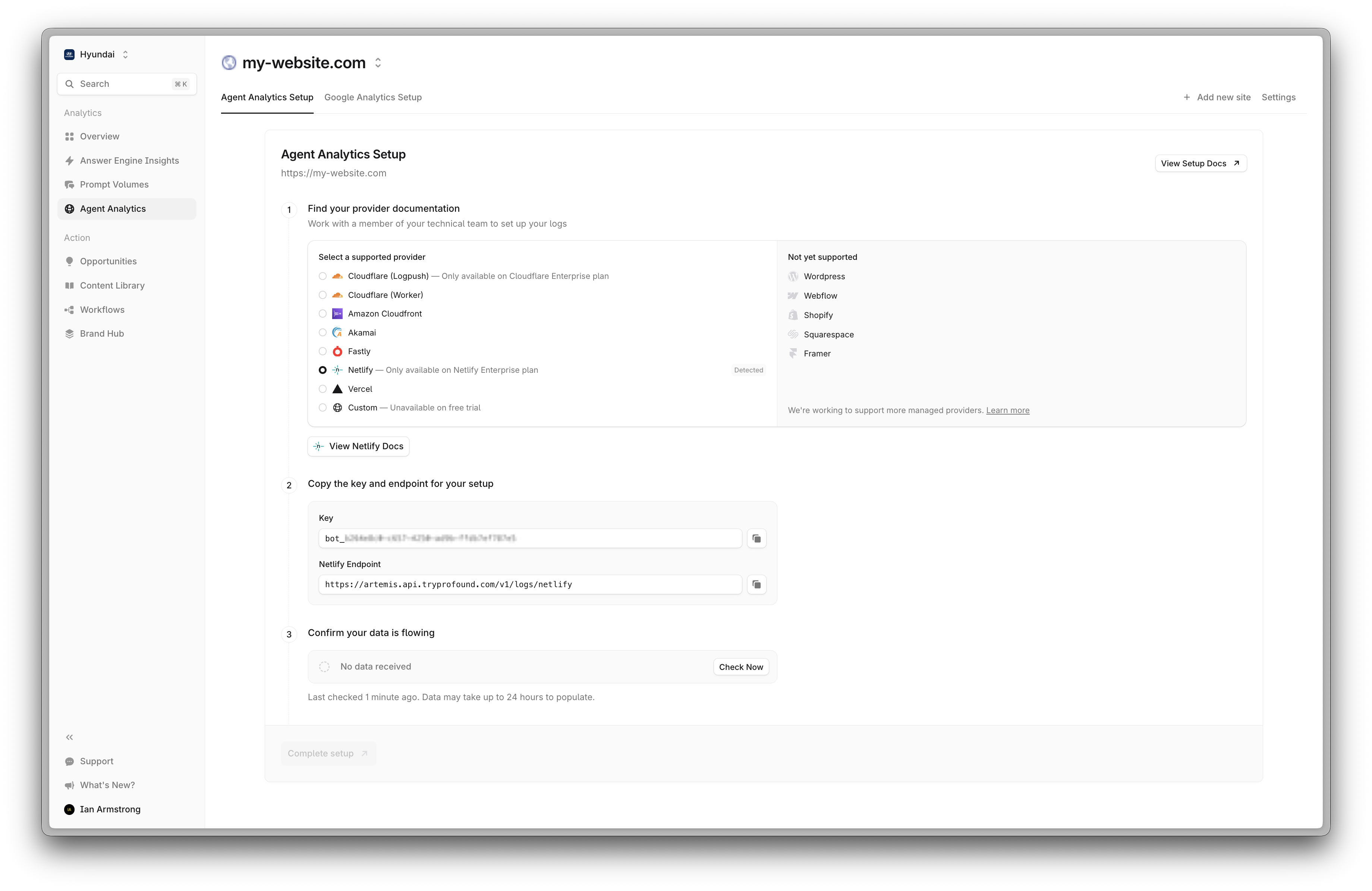 Navigate to your project in the Netlify dashboard. On the left, click **Logs > Log Drains**
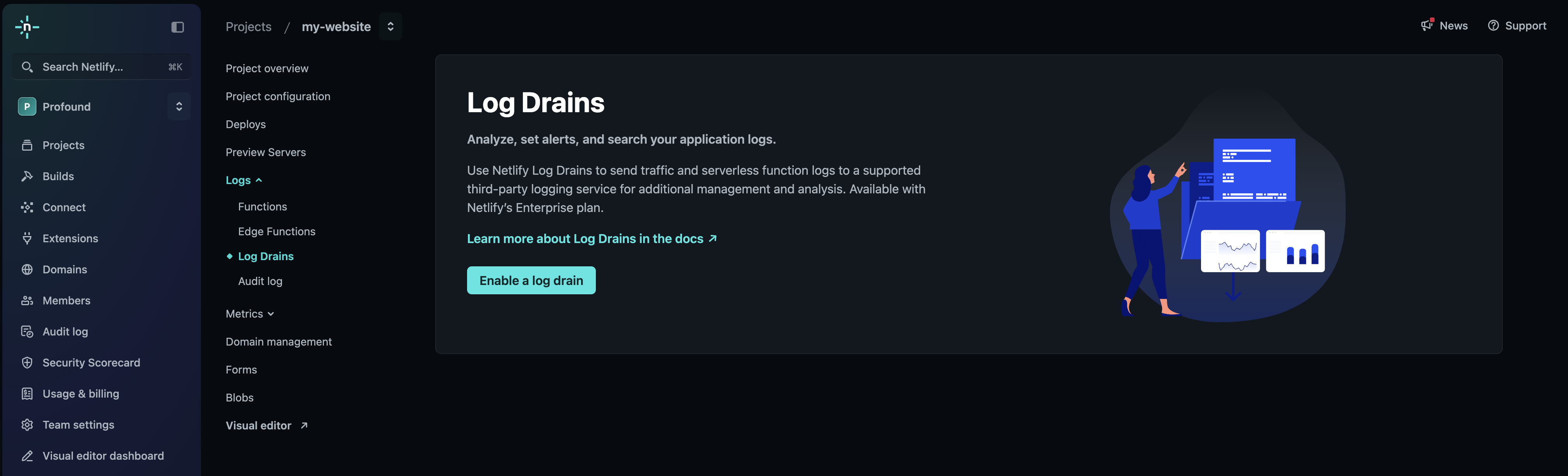 Click **Enable Log Drain** and select `General HTTP Endpoint`
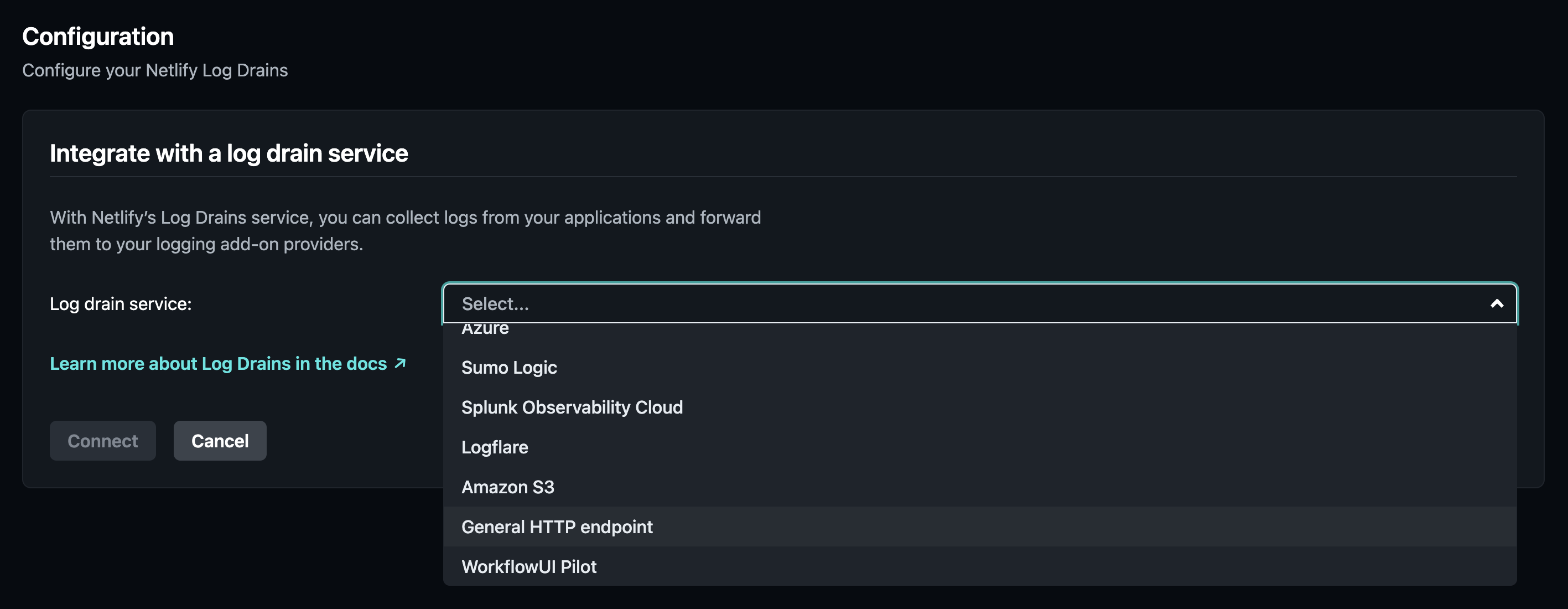 Prepare your log drain. Uncheck:
* **Function logs**
* **Edge function logs**
* **Deploy logs**
* **WAF logs**
* **Exclude personally identifiable information (PII)**
You should only use **Traffic Logs** for the log drain.
Prepare your endpoint and authorization:
* URL: `https://artemis.api.tryprofound.com/v1/logs/netlify`
* Authorization Header: `Bearer bot_xxx`
Leave **JSON** selected in the **Log Drain Format**.
Prepare your log drain. Uncheck:
* **Function logs**
* **Edge function logs**
* **Deploy logs**
* **WAF logs**
* **Exclude personally identifiable information (PII)**
You should only use **Traffic Logs** for the log drain.
Prepare your endpoint and authorization:
* URL: `https://artemis.api.tryprofound.com/v1/logs/netlify`
* Authorization Header: `Bearer bot_xxx`
Leave **JSON** selected in the **Log Drain Format**.
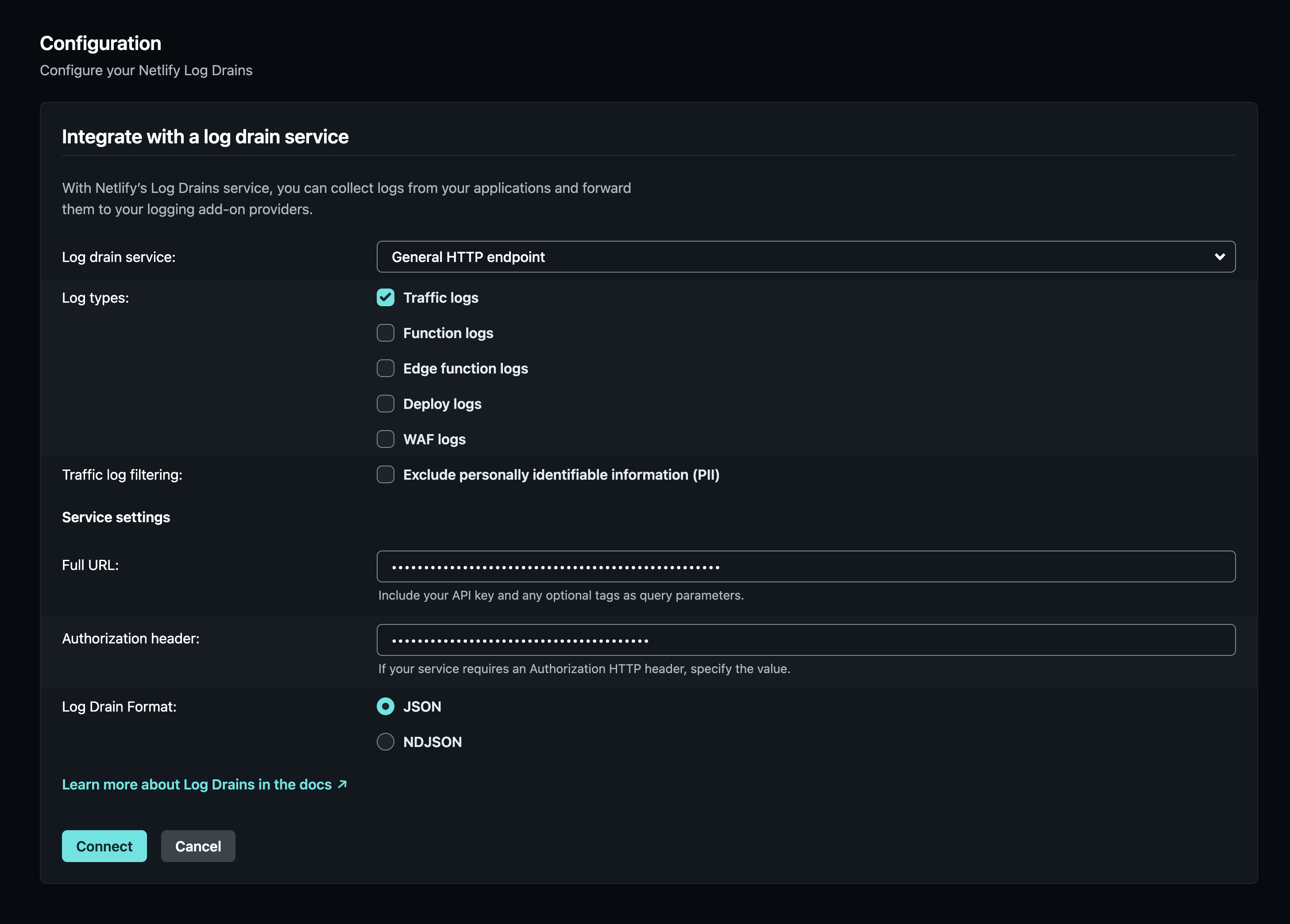 Your configuration should match the screenshot above.
Click **Connect** to connect the log drain.
If you see the following error:
`incorrectly configured GetURL, validation request returns status code 400`
double check you have prefixed your token with `Bearer `
Your configuration should match the screenshot above.
Click **Connect** to connect the log drain.
If you see the following error:
`incorrectly configured GetURL, validation request returns status code 400`
double check you have prefixed your token with `Bearer `
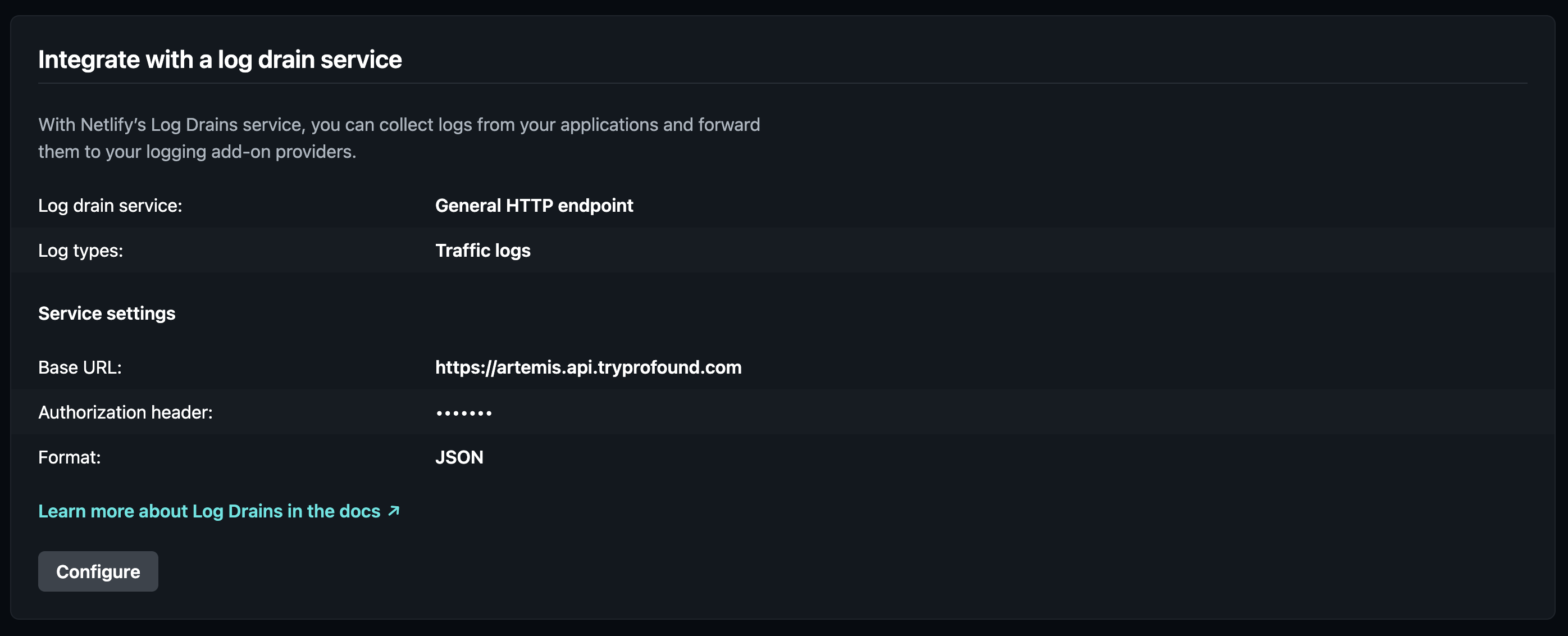 That's it! Netlify will now send real-time logs to Profound. Data should begin appearing in your dashboard within a few minutes.
## Troubleshooting
* If logs aren't appearing in your Profound dashboard, verify your endpoint targets `/v1/logs/netlify`
* For authentication or Log Ingestion Token issues ensure you have prefixed the token with `Bearer `
## Additional Resources
* [Netlify Log Drains Documentation](https://docs.netlify.com/monitor-sites/log-drains/?monitoring-providers=general)
* Contact [support@tryprofound.com](mailto:support@tryprofound.com) for integration assistance
## Security Considerations
* Store Log Ingestion Tokens securely in environment variables
* Regularly rotate your Log Ingestion Token
* Monitor log drain activity for unusual patterns
* Use HTTPS endpoints for all log forwarding
That's it! Netlify will now send real-time logs to Profound. Data should begin appearing in your dashboard within a few minutes.
## Troubleshooting
* If logs aren't appearing in your Profound dashboard, verify your endpoint targets `/v1/logs/netlify`
* For authentication or Log Ingestion Token issues ensure you have prefixed the token with `Bearer `
## Additional Resources
* [Netlify Log Drains Documentation](https://docs.netlify.com/monitor-sites/log-drains/?monitoring-providers=general)
* Contact [support@tryprofound.com](mailto:support@tryprofound.com) for integration assistance
## Security Considerations
* Store Log Ingestion Tokens securely in environment variables
* Regularly rotate your Log Ingestion Token
* Monitor log drain activity for unusual patterns
* Use HTTPS endpoints for all log forwarding