Step 1: Open Activity Logs
In Profound, select your organization name at the top left of the platform, then select Settings.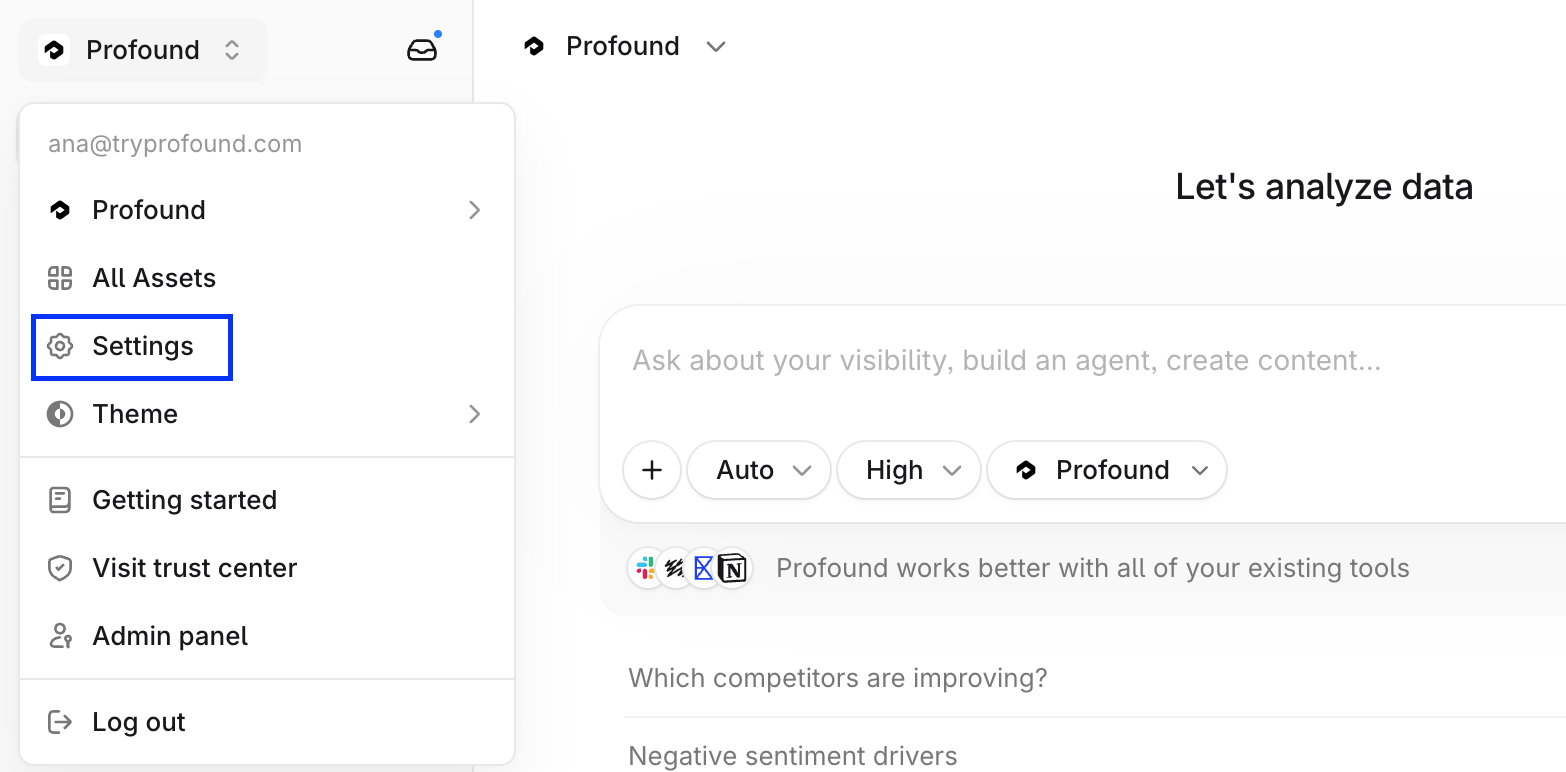
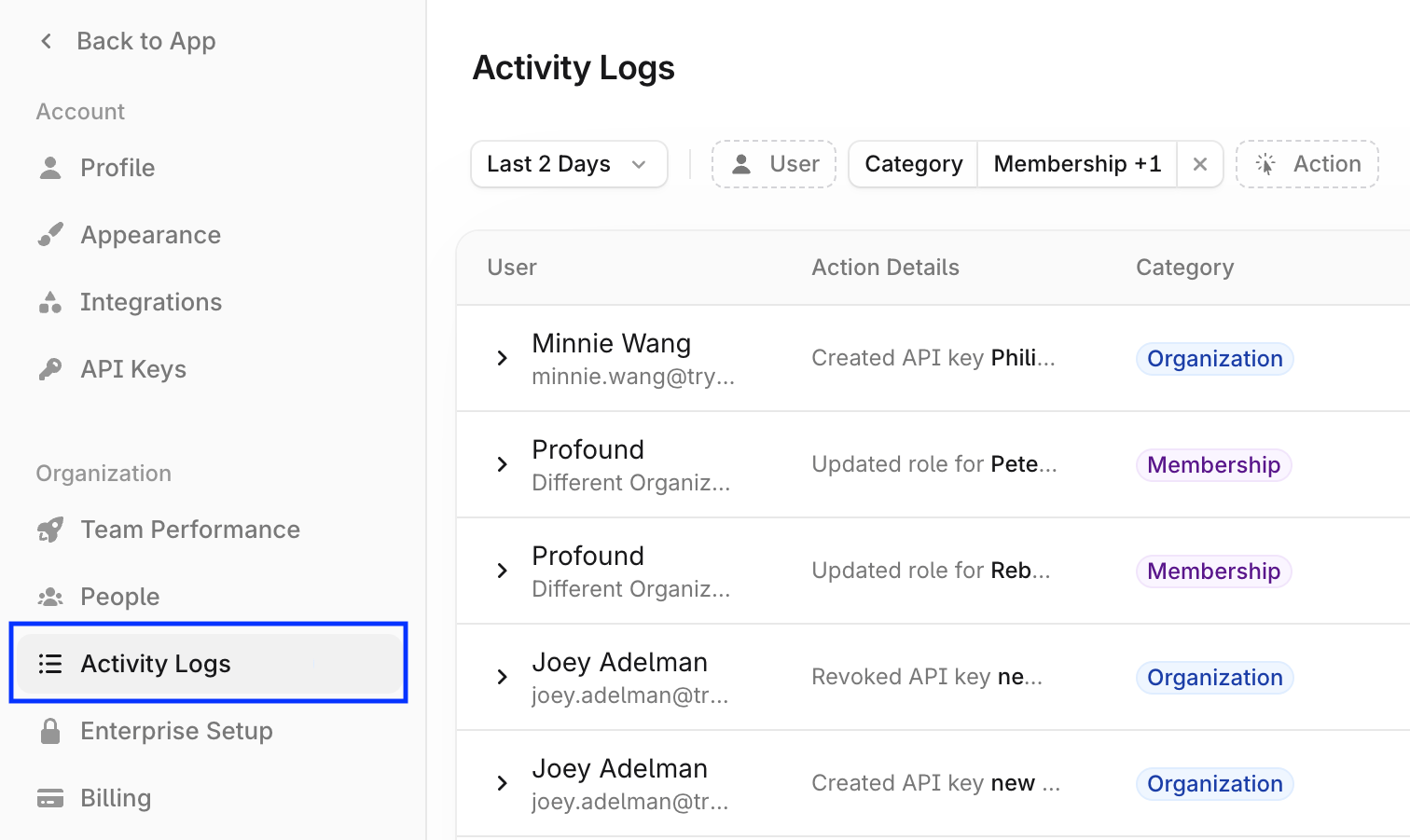
Step 2: Filter the logs
Use the date, action, and other filters above the logs table to view the events you care about.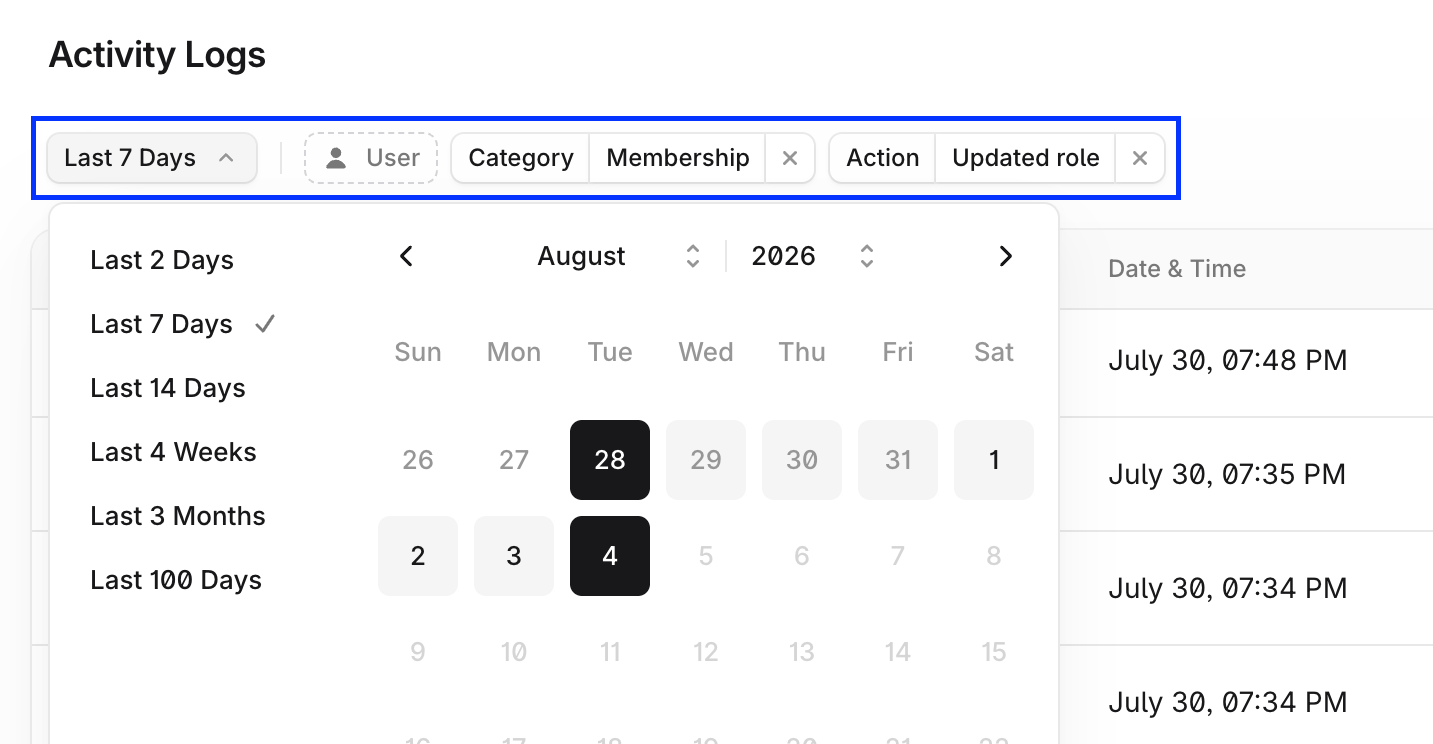
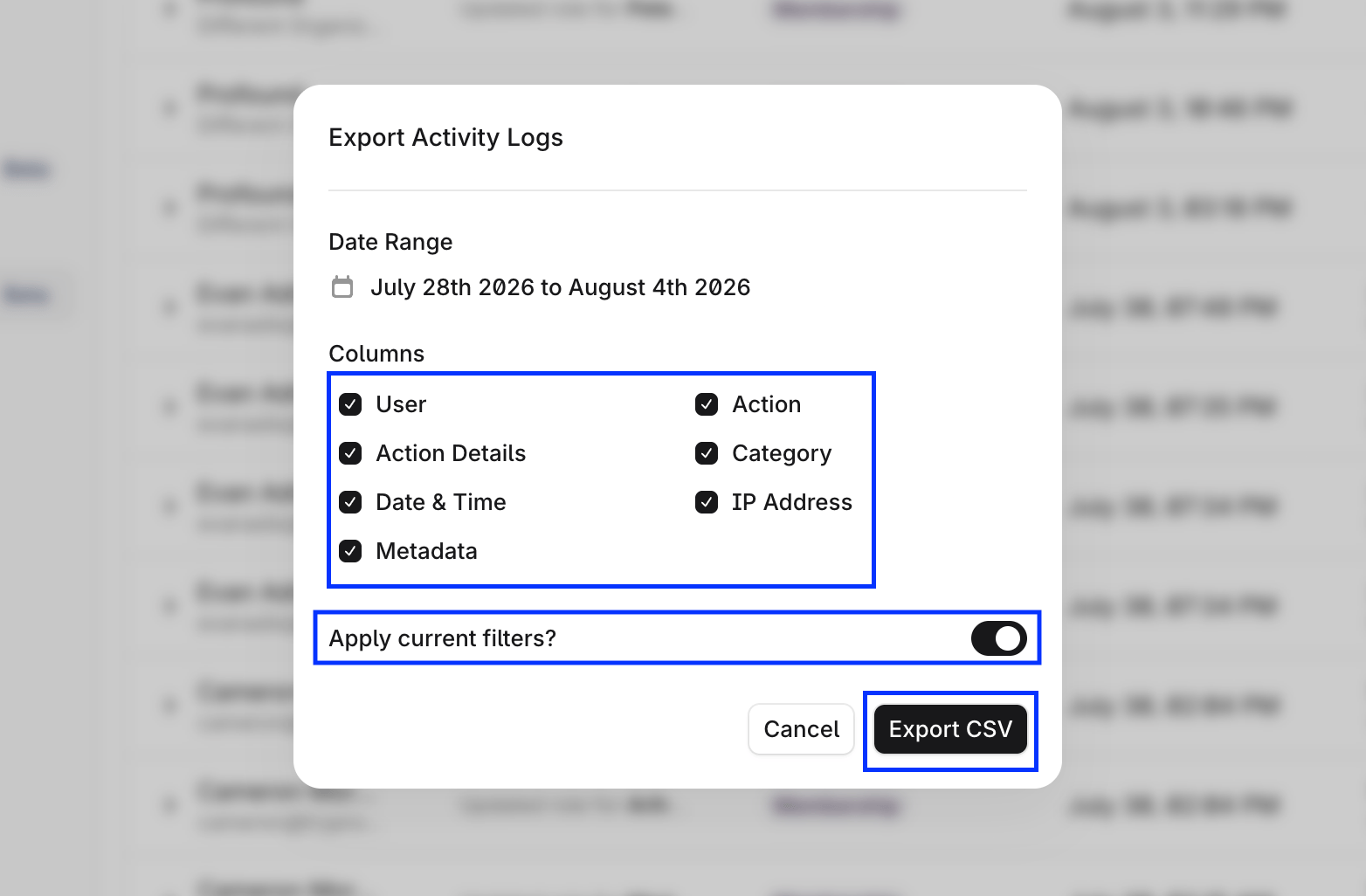
Step 3: Export the results
Export the logs to share them with your security team or keep it for compliance records:- Select Export on the top right corner of the logs table.
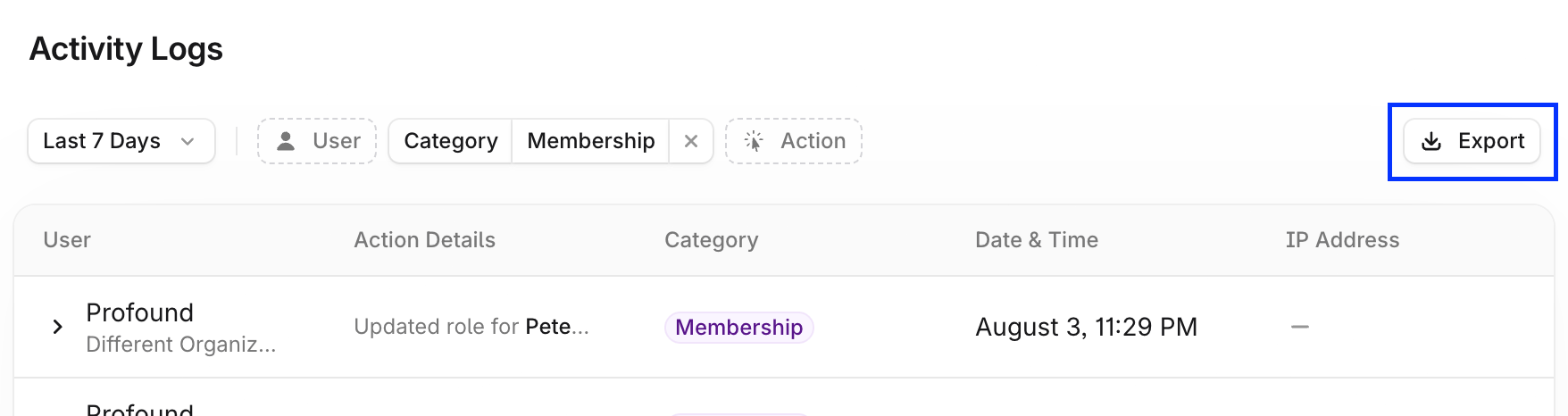
- Select the columns you want to export, toggle Apply current filters to export filtered records, and select Export.