

What is Profound’s AI Marketer
AI Marketer, also known as Aim, is your AI marketing teammate in Profound. It works across your AI search data, helps your team analyze it, proactively suggests the work worth doing, and helps you get it done. It also collects and uses the business context you add to Profound. Aim powers Projects, and every chat surface across the platform, including Profound Docs, Sheets, and Slack. Whenever you chat with Profound, you’re talking to Aim.What AI Marketer can do
Aim handles analysis, execution, and everything in between: it analyzes your data in the background, suggests Projects and tasks, chats with you wherever you work, and can use your Agents to do the work.Answer questions about your data
Start a conversation wherever you see an Aim icon: inside an Agent, a Project, or a Sheet, in the Answer Engine Insights charts, or in Slack.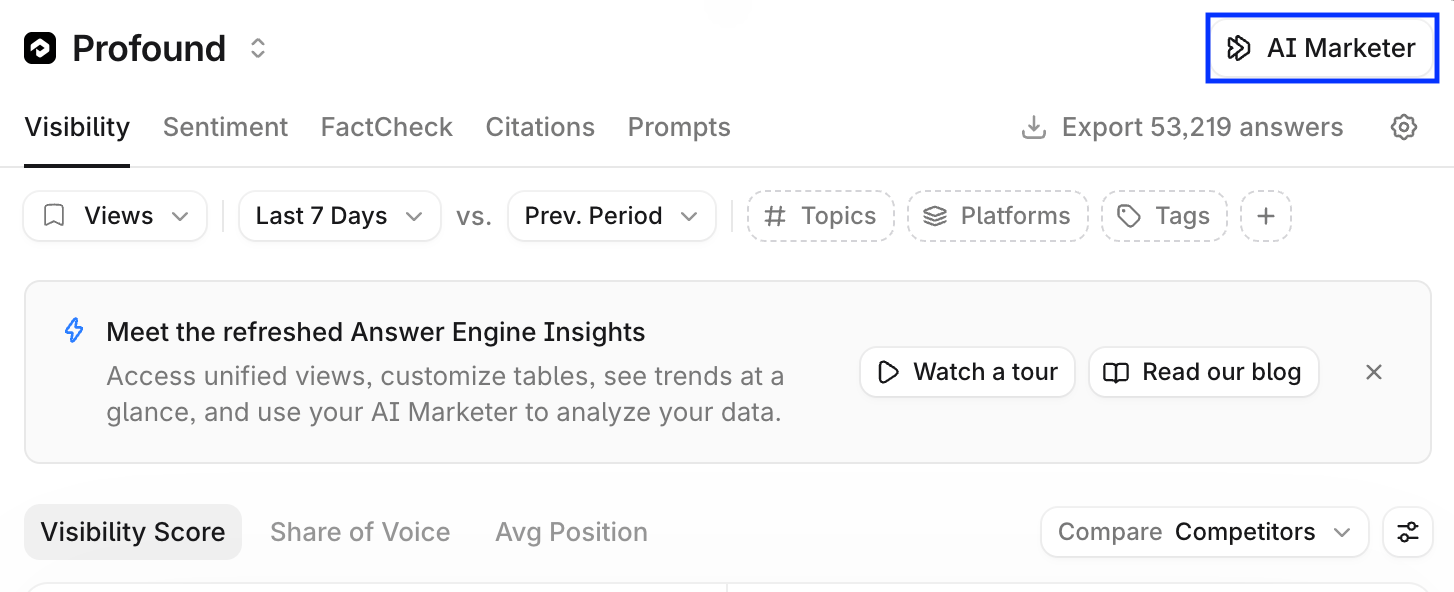
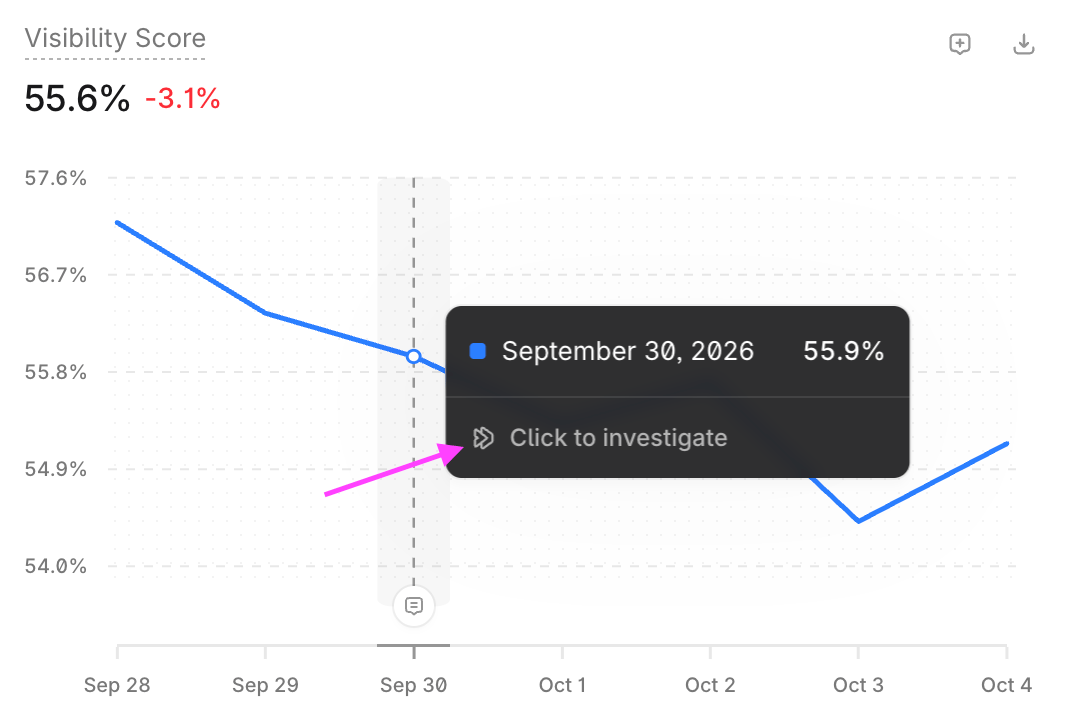
- “Why did our visibility on ChatGPT drop last week?”
- “Which competitor is outperforming us on the pricing topic, and why?”
- “What’s driving negative sentiment for our brand this month?”
Work on your goals in Projects
A Project gives your Aim chats shared purpose, instructions, and context, such as files and Knowledge Base documents. Create a Project from the Projects page, or ask Aim in the home page chat box to start one. Learn more in About Projects.Act on Suggestions
Aim analyzes your data and context and suggests new Projects and tasks. Select Start task on a Suggestion, and Aim starts working on a plan, such as refreshing a declining page, drafting a head-to-head comparison article, or writing outreach to a top-cited publication. Learn more in Suggestions from Aim.AI Marketer’s context
Aim is grounded in your organization’s context. This grounding is what separates its recommendations from generic AI output: the more Profound knows about your business, the more relevant and accurate Aim’s suggestions, plans, and content become.The more knowledge, the better the results
A well-stocked Knowledge Base lets Aim connect changes in your data to what’s true about your business and recommend actions that fit your strategy. Essentials to upload to your Knowledge Base:- Brand and positioning documents: messaging guides, tone of voice, style guides, and personas, so content sounds like you.
- Product documentation: fact sheets, support docs, and help articles. These also serve as the source of truth for FactCheck accuracy analysis.
- Strategy and planning materials: content calendars, campaign briefs, and target audience research, so Aim prioritizes work that matches your goals.
- Anything you’d hand a new marketing hire: if a teammate would need it for context, Aim does too.