Overview
Profound Agents are priced on a credit-based model. Credits are consumed when Agents run, stand-alone or within Sheets. The self-serve Starter plan comes with 100 credits per month. The self-serve Growth plan comes with 400 credits per month. The self-serve Agency Growth plan comes with 400 credits per month per client workspace. Higher credit thresholds require an Enterprise package. Our accounts team partners with customers to determine the right package based on their marketing goals.What uses credits?
- Agent runs consume credits based on the complexity of the workflow: simpler Agents with fewer steps use fewer credits, while larger, multi-step Agents use more. This includes scheduled Agent runs.
- Calling or mentioning an Agent in a chat with AI Marketer counts as an Agent run, so it uses Agent credits when the Agent runs and processes the request.
- Sheets runs consume credits when they run Agents across the Sheet rows.
- Agent runs triggered via Profound MCP tools consume credits.
Do API calls consume credits?
No. Calling the Profound API to pull data does not consume credits by itself. The key distinction is where the work runs:- If you make a direct request to the API, no credits are used for that request.
- If you run an Agent or a Sheet workflow, that run will consume credits.
How should I estimate the number of credits I need?
The number of credits you’ll need depends on the types of Agents you’re running, how complex they are, and how frequently you run them. Your account team can help you estimate based on your specific use cases and marketing goals, and packages can be adjusted over time as your needs evolve.How can I track my credit usage?
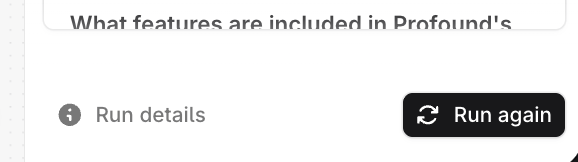
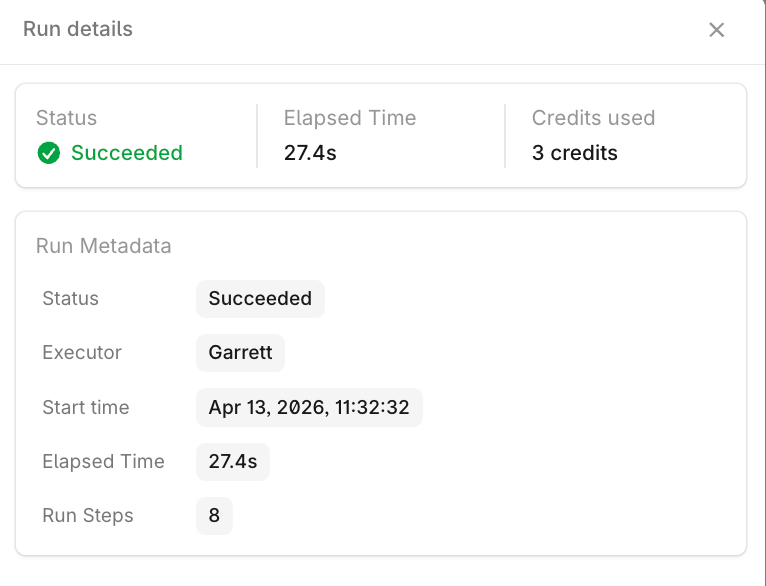
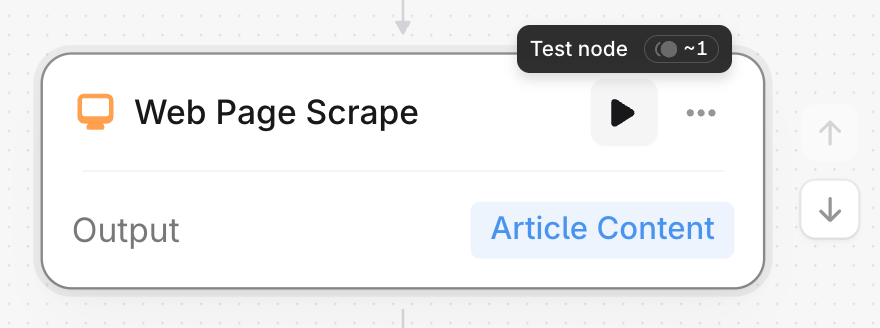
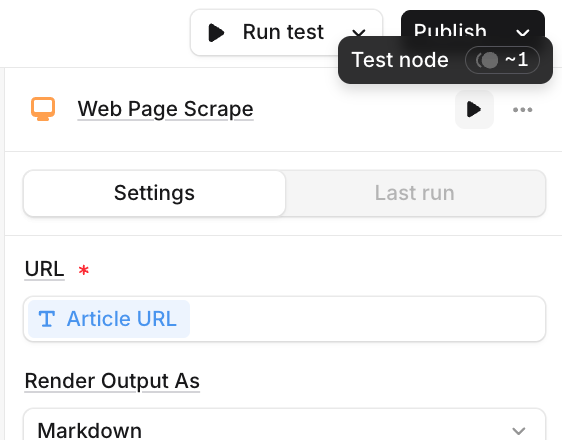
You’ll have full visibility into your usage. Before running an Agent, the platform displays an estimated credit cost. After a run, you’ll see the actual credits consumed reflected in your balance. An admin panel provides a view of total usage across Agents, and both you and your account team will be notified as you approach your credit limits.View the estimates in the Agent builder
To see estimated credit consumption at the Agent-level, hover over the Run Test button in the top-right corner of the screen.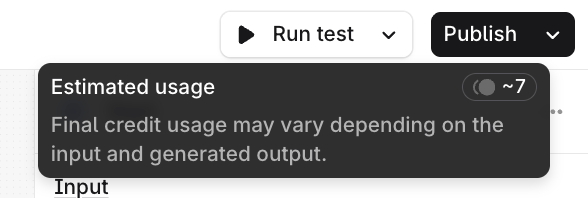
View the usage at the Organization level
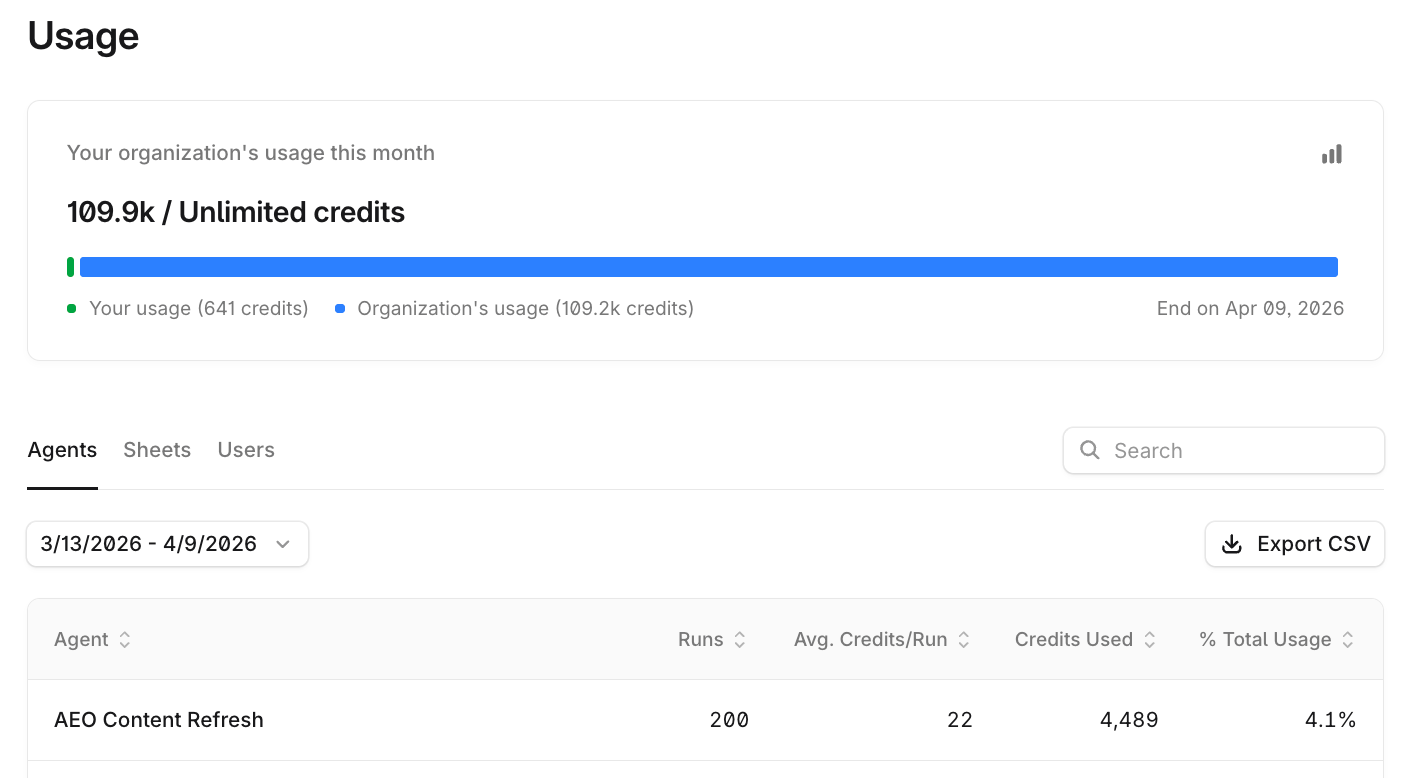
To see actual credit consumption at the organization level:- Select your organization name at the top left of the platform, then select Settings.
- Go to Usage under Organization.
- Their individual usage over any time period
- Their organization’s usage over that time period
- Total credit allotment for the organization
- Runs, average credits per run, credits used, and percent of total usage for each published Agent and Sheet in the organization
- Credits used and percent of total usage for each user in the organization