

Availability: BetaFind it in: Workspace > Slides
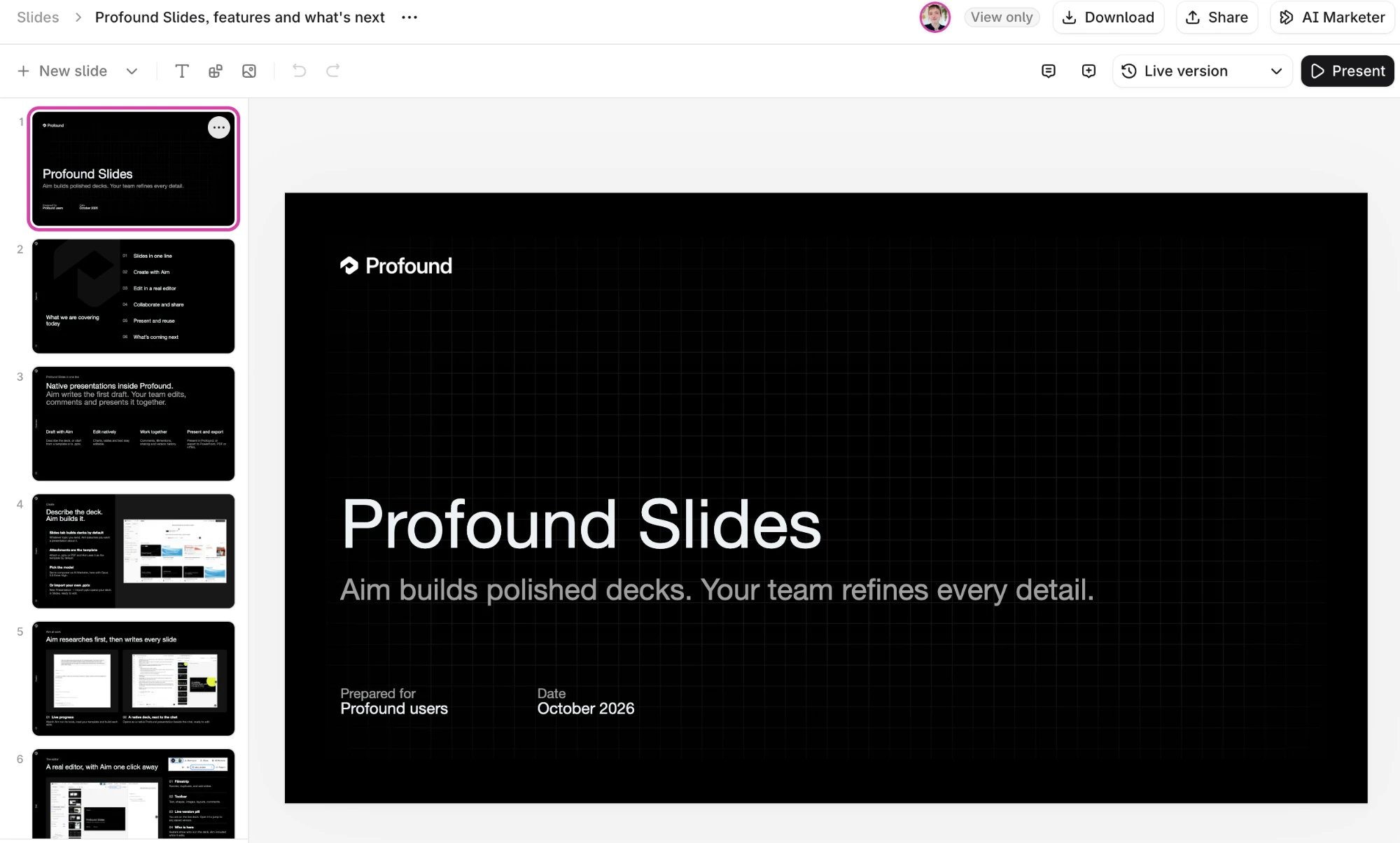
From chat answer to deck
Most research in Aim ends as a chat answer or a Profound Document. To show it to anyone, you rebuild the findings as slides in another tool, and when the data changes you rebuild them again. Profound Slides makes the deck itself an Aim output: ask once, and Aim writes the slides. Because the deck stays in Profound, you can ask Aim to update it later: refresh the numbers when the data changes, or turn the same findings into a shorter version for an executive readout.Key features
Draft with Aim
Aim builds the deck from the conversation you’re in, with everything it knows about your brand from Context Manager. Ask for changes in the chat next to the deck, from a single slide to the whole structure. Each Aim edit saves as its own version, so you can see what changed and restore an older version if needed.A familiar presentation editor
Slides has a native presentation editor that works like the editors you’re familiar with and includes shapes, images, charts, and tables. Pick a slide layout, change backgrounds, set font size, alignment, and line spacing, and arrange elements with undo and redo. Present full screen from the editor, with slide controls and a counter. Export the deck or save it as a template for your team to use.Collaborate in real time
Everyone with edit access works on the same deck at once, and each person can run their own Aim chat on it while others keep editing. See Live collaboration in Slides.Comments and mentions
Pin a comment thread to any element on a slide, reply, react, and resolve it.@mention a teammate to notify them. If the person doesn’t have access yet, Slides offers to share the deck with them.