Everyone edits at once
Everyone who can edit the deck works on it at the same time. Changes become visible for everyone as you make them, and no slide is ever reserved for one person: multiple people can edit the same slide, and each sees where the other is pointing and what they select. Avatars at the top of the screen show who’s currently working on the deck. Select an avatar to go to the slide that person is seeing.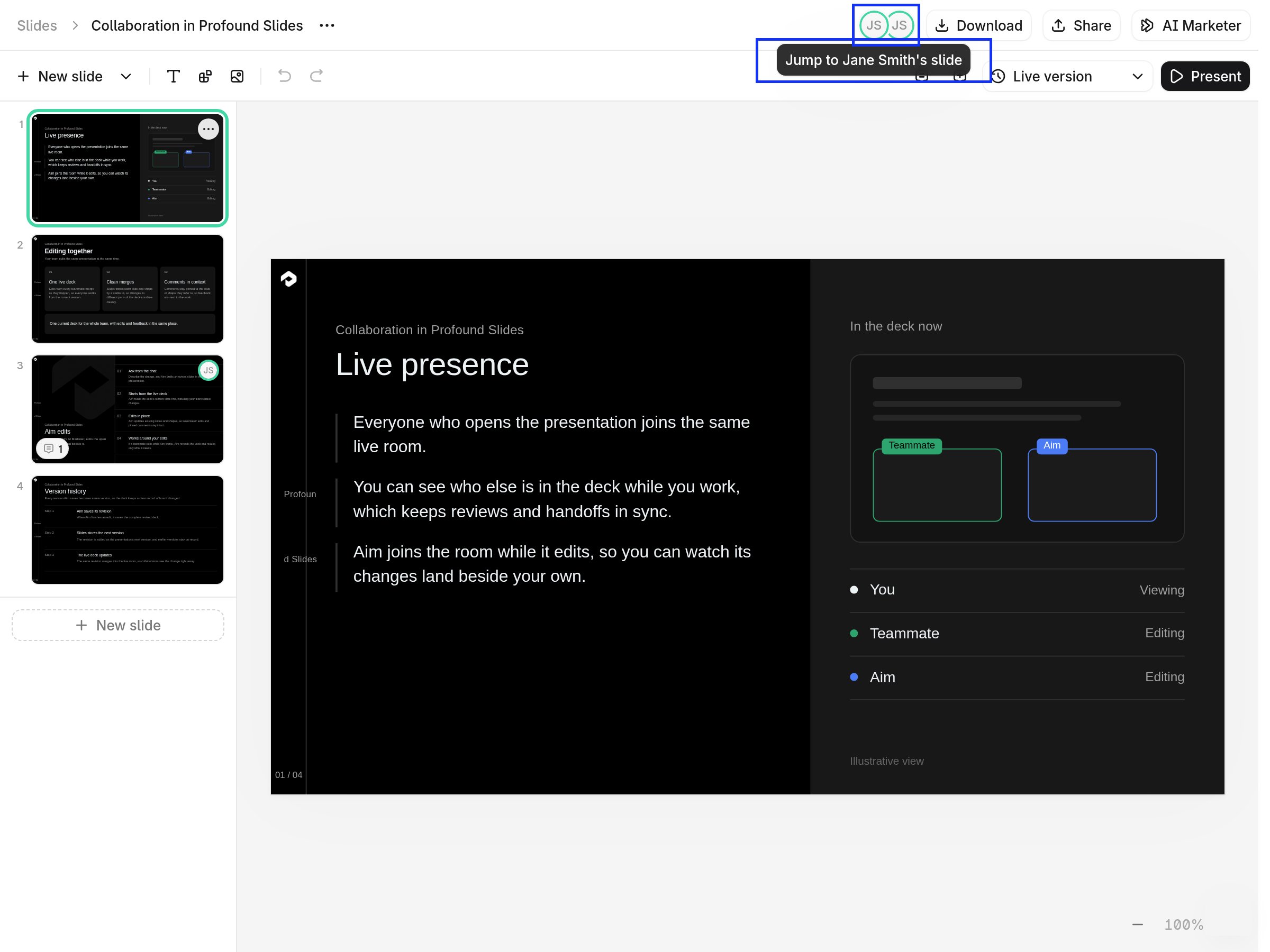
Each person has their own Aim chat
Each person has their own chat with AI Marketer (Aim), and every chat changes the shared deck. While Aim works, an Aim is working… indicator and an Aim avatar appear for everyone in the deck, and the avatar of the person who asked for changes is labeled Aim editing. You can keep editing the rest of the deck in the meantime.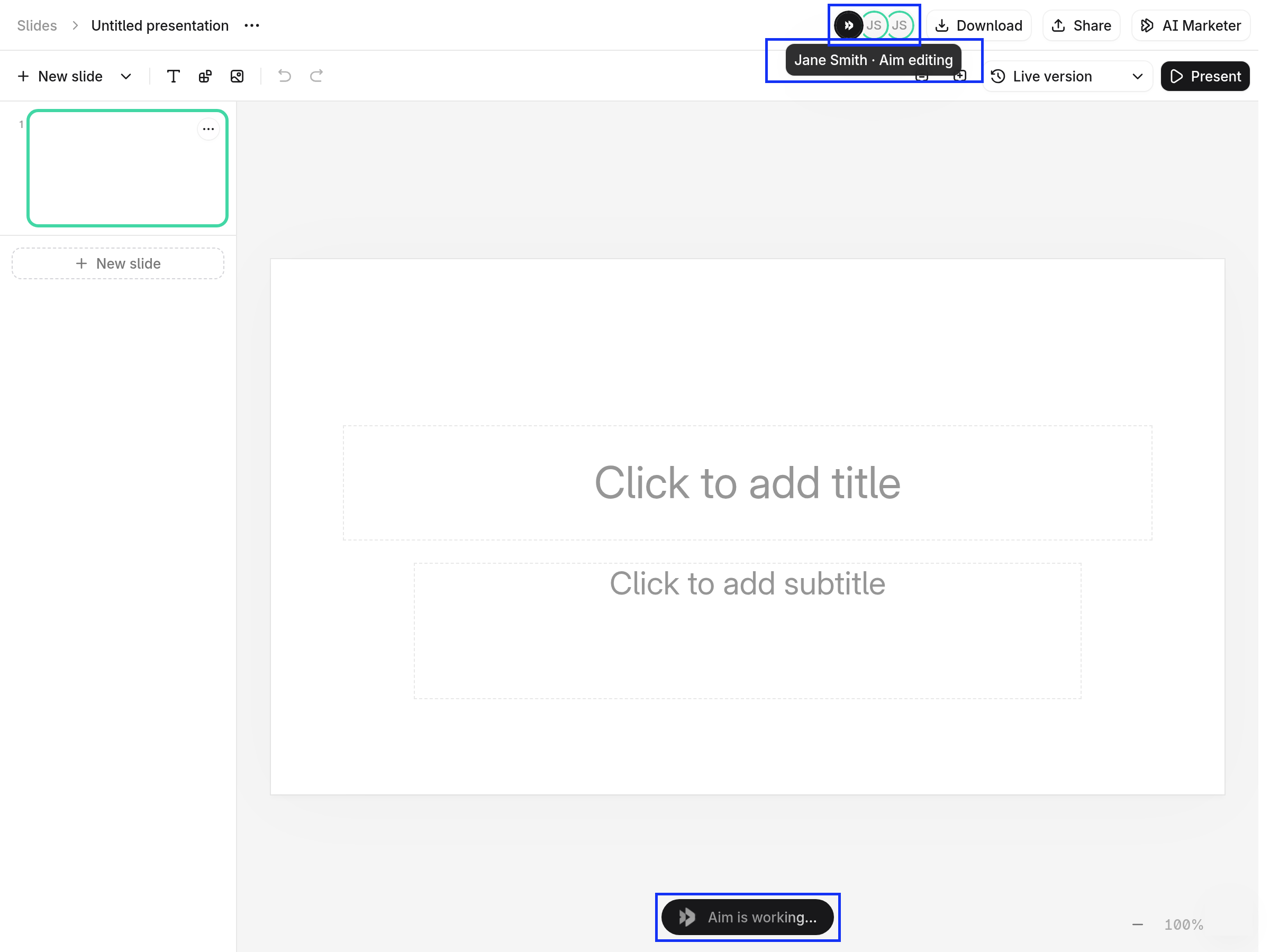
How Aim edits merge into the deck
When Aim finishes its changes, they go into the deck:- Aim replaces only the slides from its own previous edit. The rest of the deck, including anything your teammates changed in the meantime, stays as it is.
- Comments pinned to those slides move to the new slides.
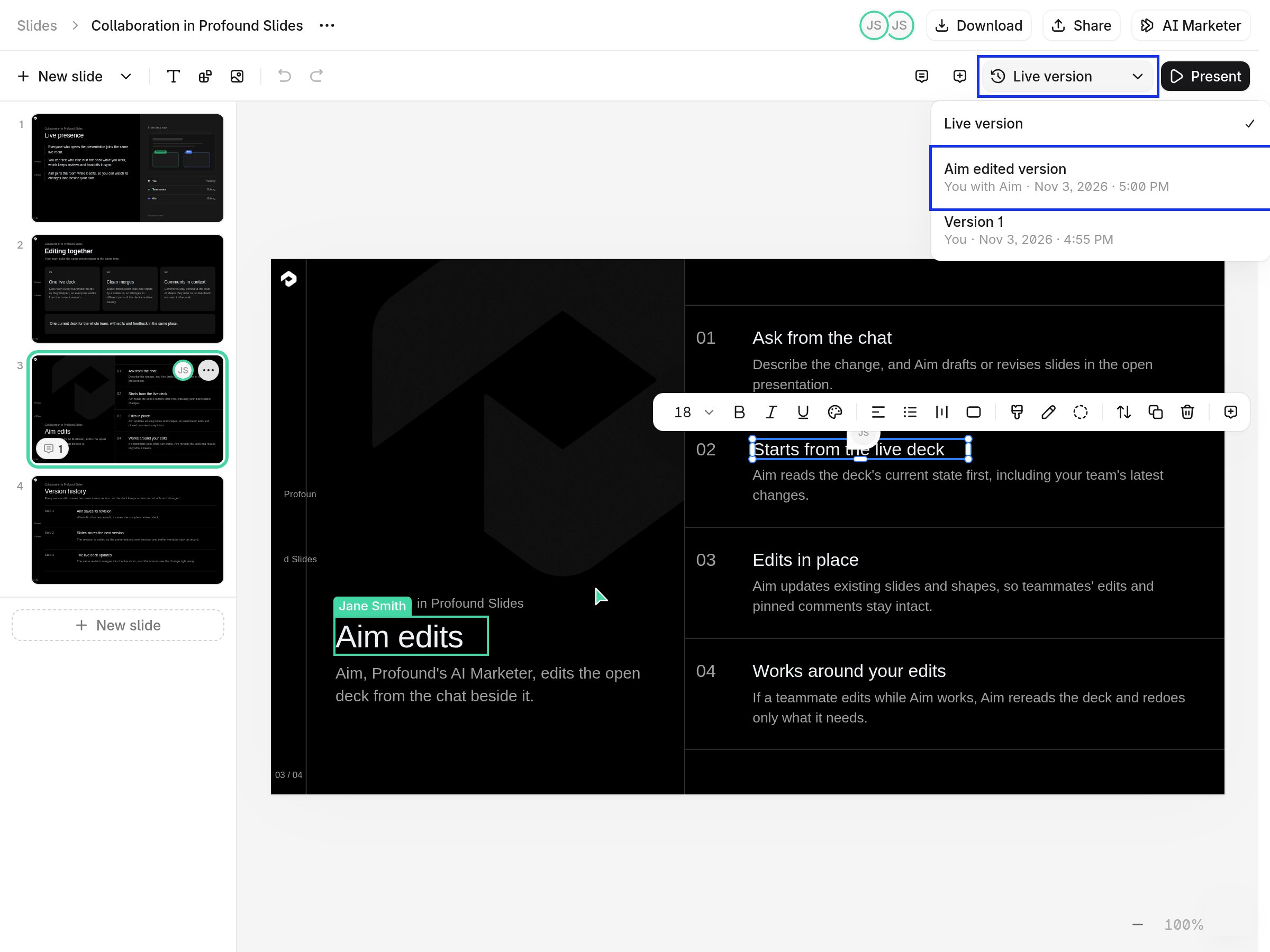
- Each Aim change is saved as a version named Aim edited version, so you can compare it against other versions, or revert it.
- If you were the one who asked for the change, Undo reverses it like any other edit.