

Overview
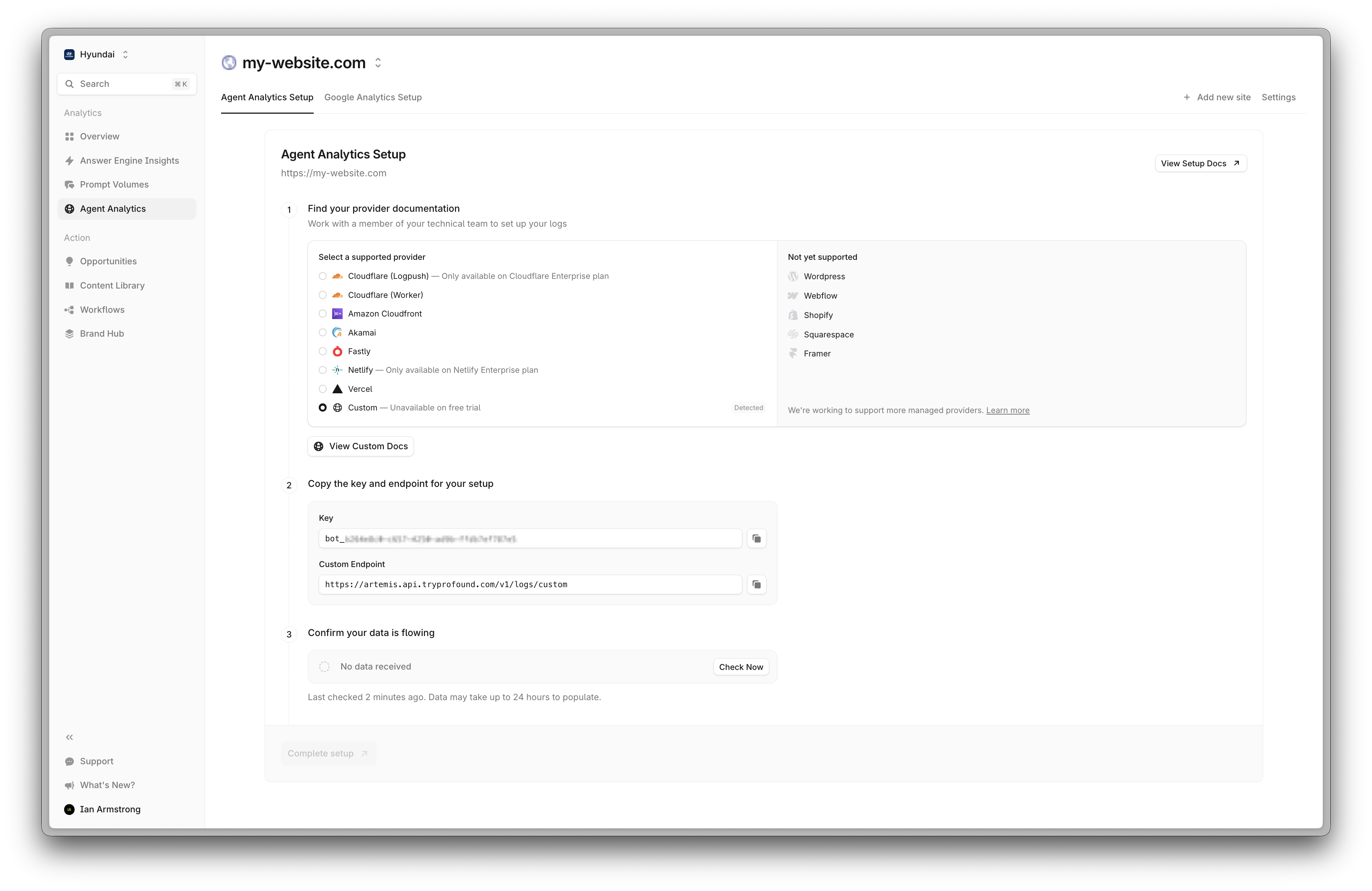
The Custom Log Integration allows you to send your application logs directly to Profound’s analytics platform using a standardized JSON format. This integration supports batch processing of logs and includes robust validation to ensure data quality while providing detailed feedback on any validation issues.Prerequisites
- Your Profound Log Ingestion Token
- The ability to send HTTP POST requests from your application/infrastructure
API Specification
Endpoint
Authentication
Include your Profound Log Ingestion Token in the request header:Request Format
Logs must be sent as an array of JSON objects. Each log entry requires specific fields:Required Fields
-
timestamp- Event timestamp (Unix timestamp or ISO 8601 string) -
method- HTTP method (max 10 characters) -
host- Request hostname (max 255 characters) -
path- Request path (max 2048 characters) -
status_code- HTTP status code (range: 100-599) -
ip- Client IP address (max 45 characters) -
user_agent- User agent string (max 1024 characters)
Optional Fields
-
query_params- Query parameters (key max: 100 chars, value max: 1000 chars) -
referer- Request referer (max 2048 characters) -
bytes_sent- Response size in bytes (must be >= 0) -
duration_ms- Request duration in milliseconds (must be >= 0)
Implementation Guide
1
Format Your Logs
Prepare your log data in the required JSON format:
2
Send the Request
Here’s how to send logs using popular programming languages:Python:Node.js:
3
Handle the Response
Process the API response to confirm successful ingestion or handle any errors:Successful Response:Response with Validation Errors:
Error Handling
The API handles errors in two ways:Validation Errors
For expected validation issues (invalid timestamps, malformed data, etc.), the API will:- Continue processing valid entries in the batch
-
Add validation errors to the
errorsarray in the response - Return a 200 status code with processed entries and errors
Unexpected Errors
For unexpected errors (server issues, database problems, etc.), the API will:- Return a 500 status code
- Return an error message in the response detail field
- Not process any entries in the batch
Best Practices
- Group logs into batches of up to 1,000 entries
- Implement retry logic for failed requests
- Use background processing for log submission
- Send logs asynchronously to avoid impact on application performance
- Consider implementing local buffering
- Use compression for large payloads
Support
- Contact support@tryprofound.com for assistance
Security Considerations
- Store Log Ingestion Tokens securely
- Regularly rotate Log Ingestion Tokens
- Monitor request logs for unusual patterns
- Use HTTPS for all API requests