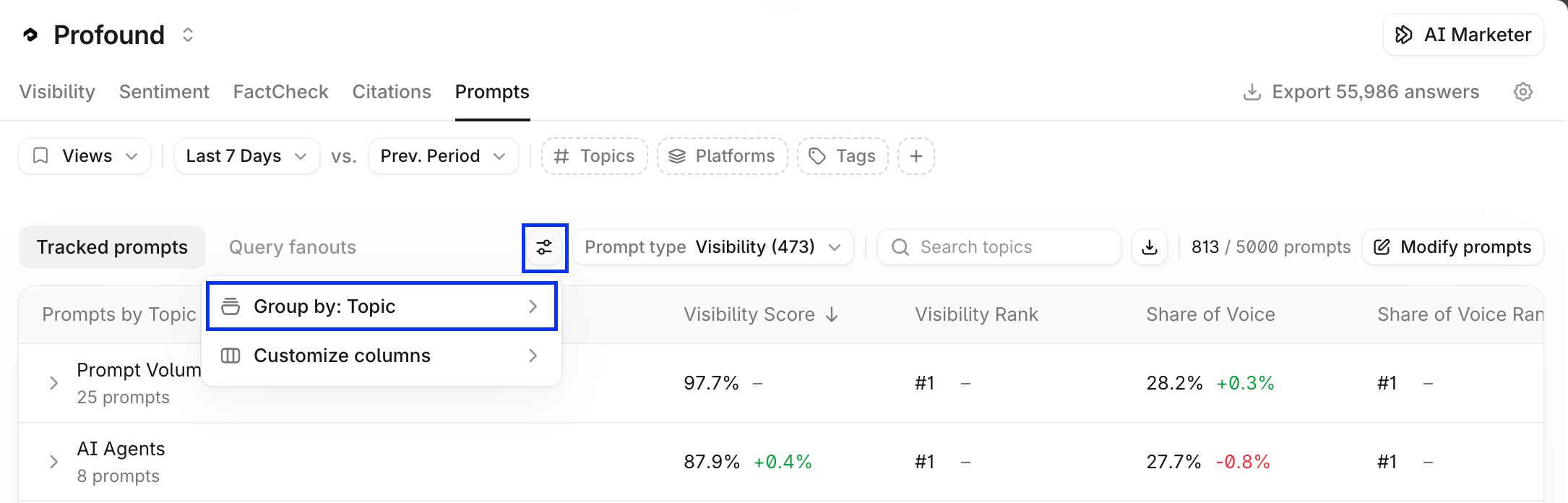
Export in Prompt Designer
Export prompts
In Prompt Designer table, select the prompts you want to export. Then select Export prompts at the top of the table.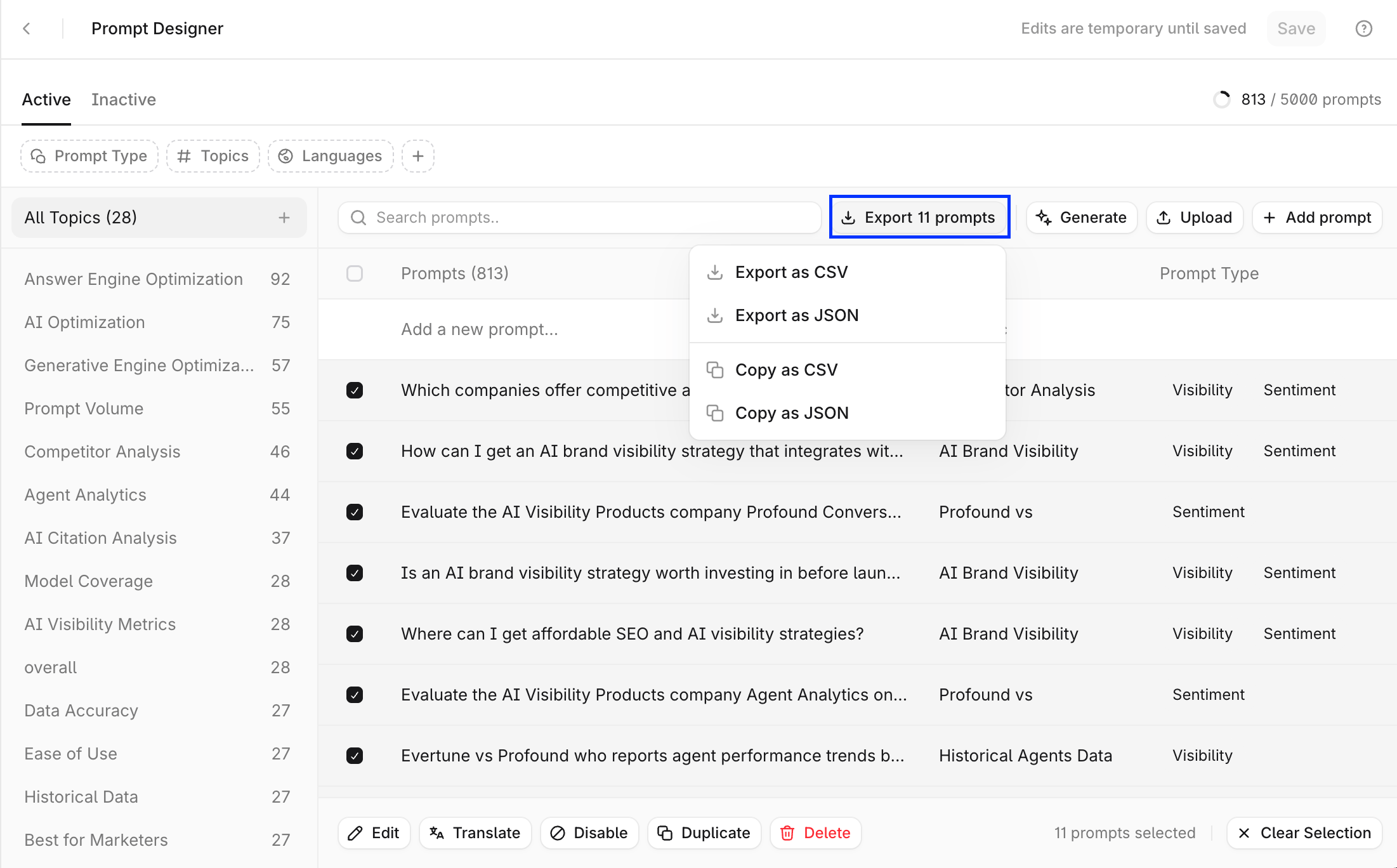
Export topics
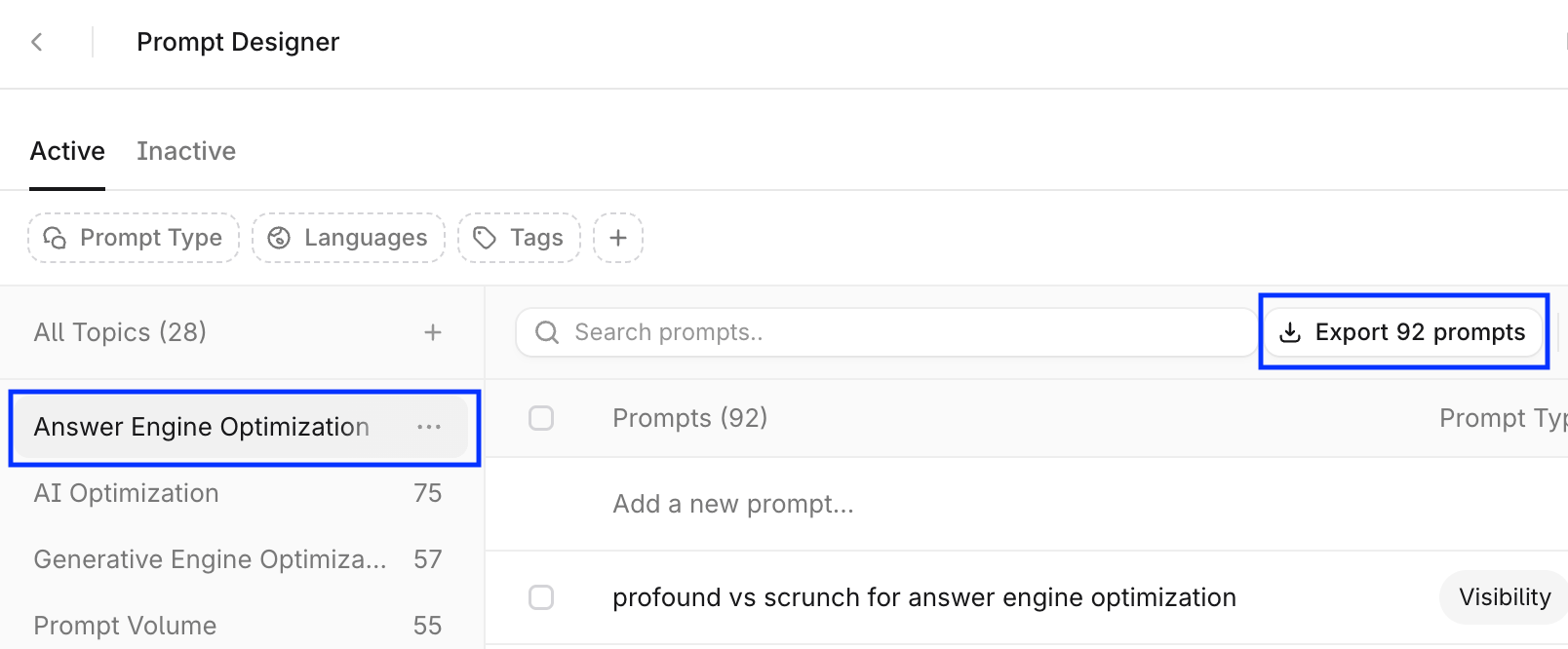
Prompt Designer doesn’t support topic exports, but it does support exporting all prompts from a topic:- Select a topic in the topics panel, this selects all prompts in that topic.
- Select Export prompts at the top-right of the table.
Export in Answer Engine Insights
Export prompts
In Answer Engine Insights > Prompts, select the download icon next to the search field. To export the full prompt list, select a time period and make sure that no Group By filter is applied.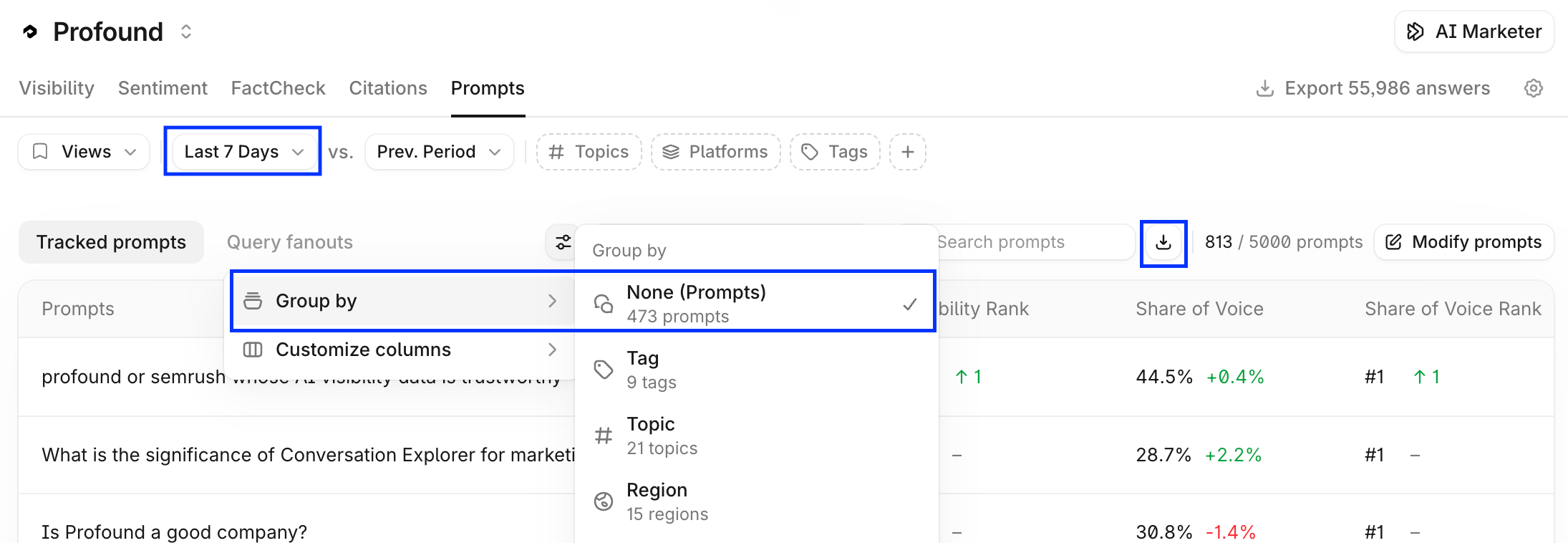
- Prompt
- Topic
- Tags
- Visibility
- Average Position
- Citation Share
- Citation Ranks
- Executions
Export topics
In Answer Engine Insights > Prompts, apply the Group by: Topic filter to the prompts table. Then, copy or download the CSV or JSON the same way.