

Step 1: Set the date range and establish a baseline
Go to Answer Engine Insights and select the Sentiment tab in the top navigation. Use the date range filter to select your monitoring window. The Prev. Period dropdown controls your comparison baseline.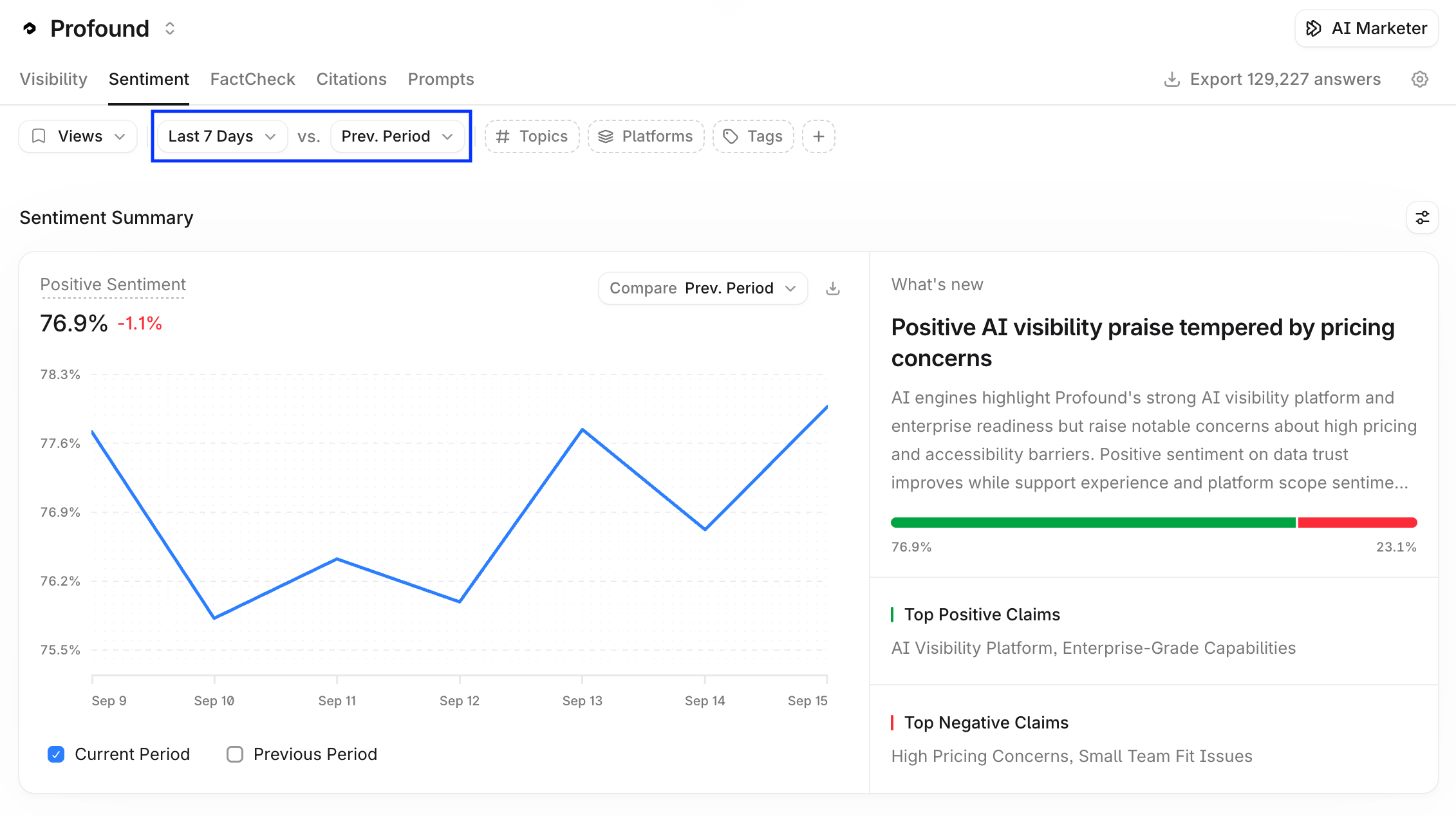
Step 2: Investigate and diagnose
Use the drill-down flow to investigate: start from your overall sentiment score, navigate into the themes driving it, then into the attributes within each theme, then into the specific claims behind those attributes included in the content of the cited pages. When investigating a theme, open the cited pages to see the exact content Profound surfaced and determine whether a content fix or a product change is the right response.General diagnosis advice
- Negative themes with rising mention counts: investigate first
- Positive themes with rising counts: note and reinforce
- Themes trending down: identify what changed
- A single negative mention with no broader trend: likely noise, do not act on it